
How to update a Vercel API token? - Vercel DevOps for Jira
If you have previously created a Vercel API token and used it in Vercel DevOps for Jira, you can update it at any time, e.g. if it expires soon.
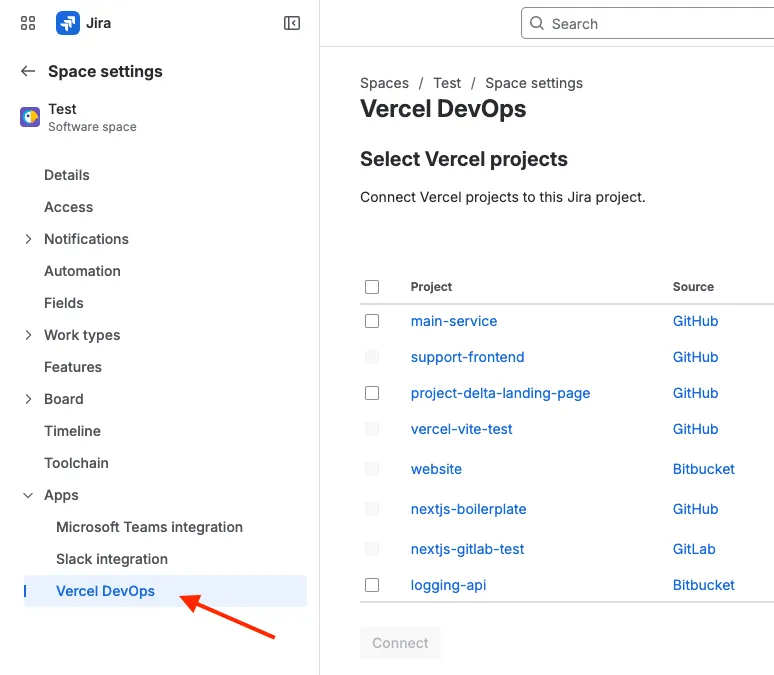
- Open the project settings of your Jira project, and select the Vercel DevOps for Jira app in the left navigation:
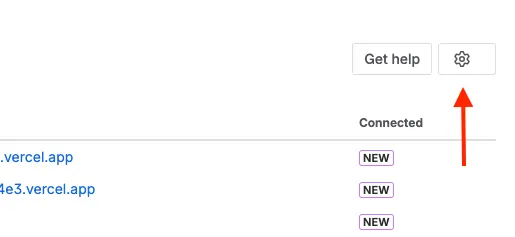
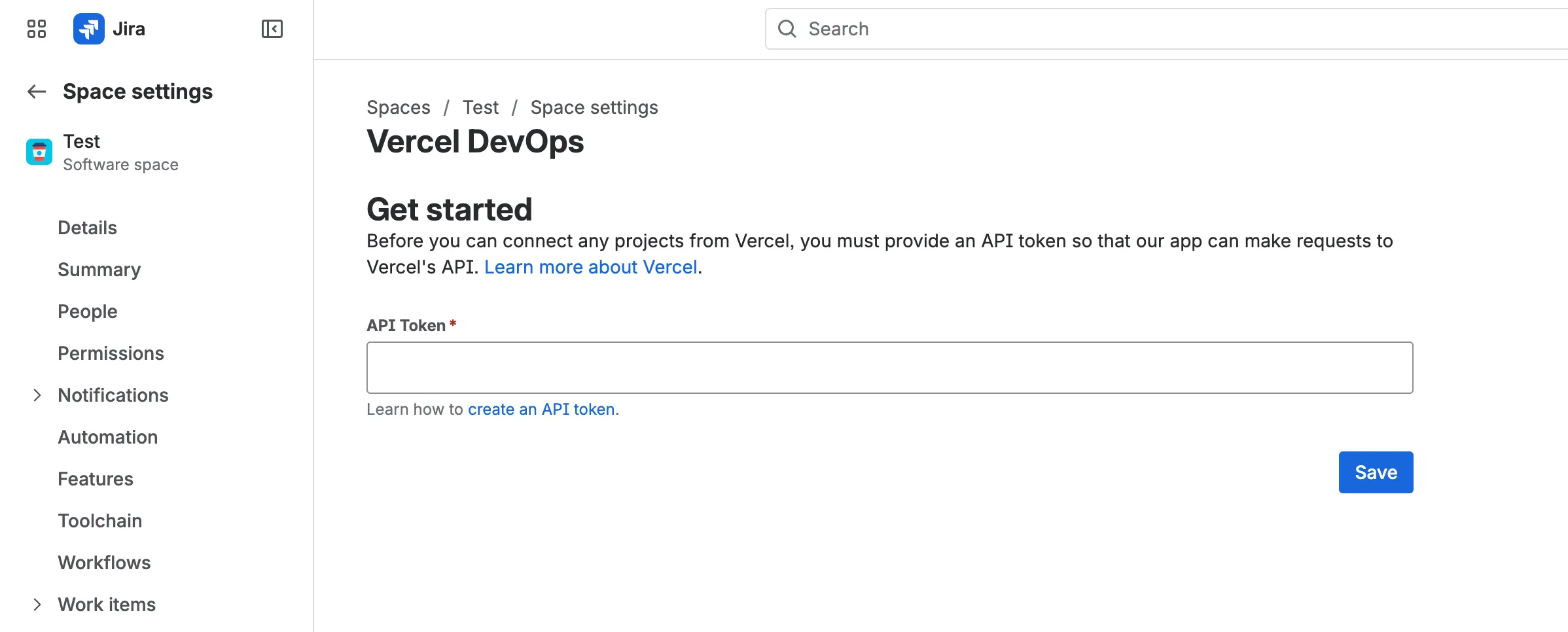
- Then, the app loads. If the current API token is not set or not valid anymore, you can immediately see the API token field from step 3 below. If the current API token is still valid, you need to click the “cog” symbol in the upper right corner to open the settings.
- A small settings view opens where you can enter a new API token. Enter the new token and save it.
Now all Vercel actions related to this Jira project will use the new token. You can now either connect Vercel projects or start tracking deployments.