How to update a Vercel API token? - Vercel for Compass
If you have previously created a Vercel API token and used it in Vercel for Compass, you can update it at any time, e.g. if it expires soon.
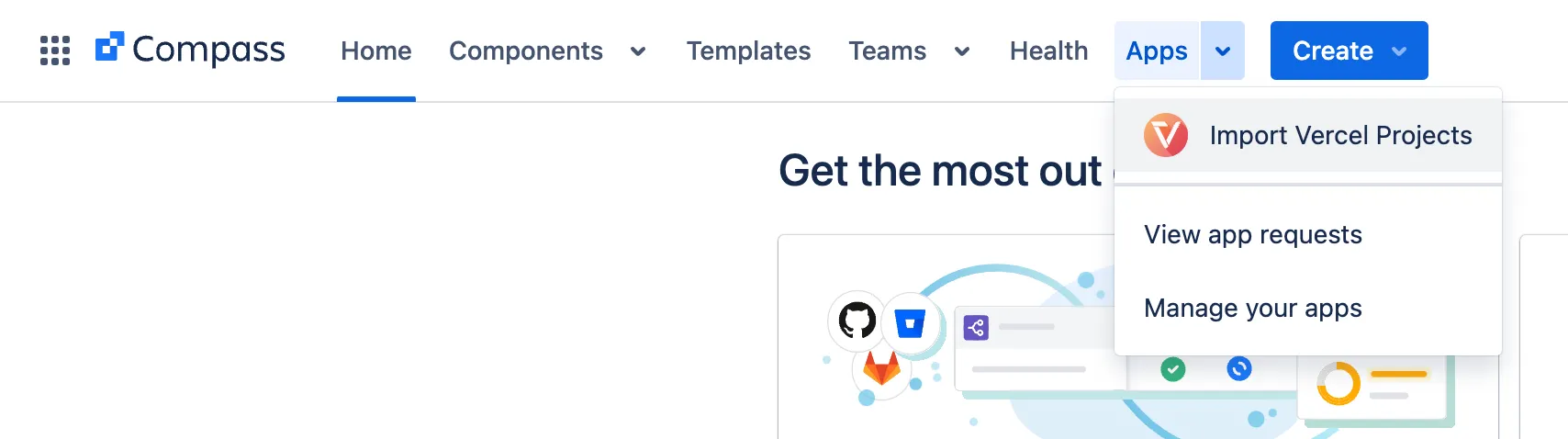
- First, open the App page “Import Vercel Projects”:
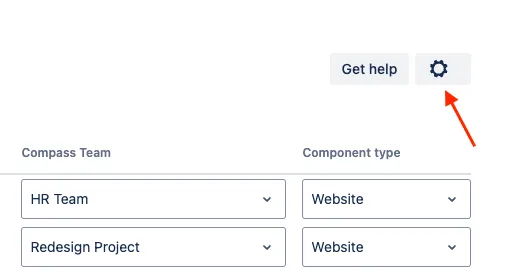
- Then, the app loads. Wait until the “cog” symbol is visible in the upper right corner to open the settings:
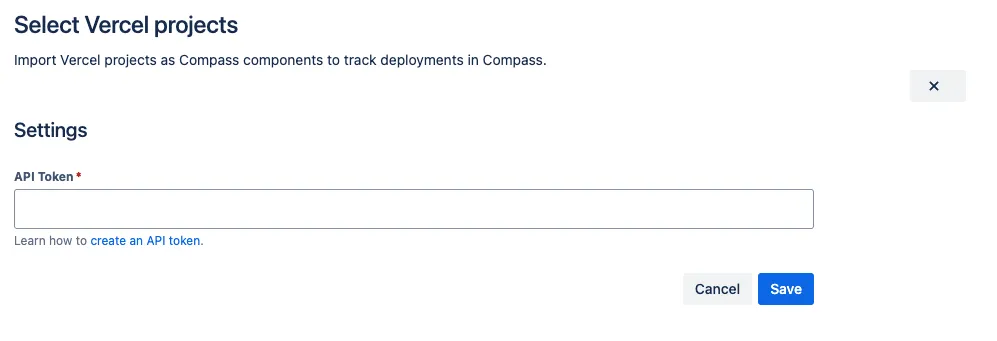
- If you click it, a small settings view opens where you can enter a new API token: